

Previews stay close
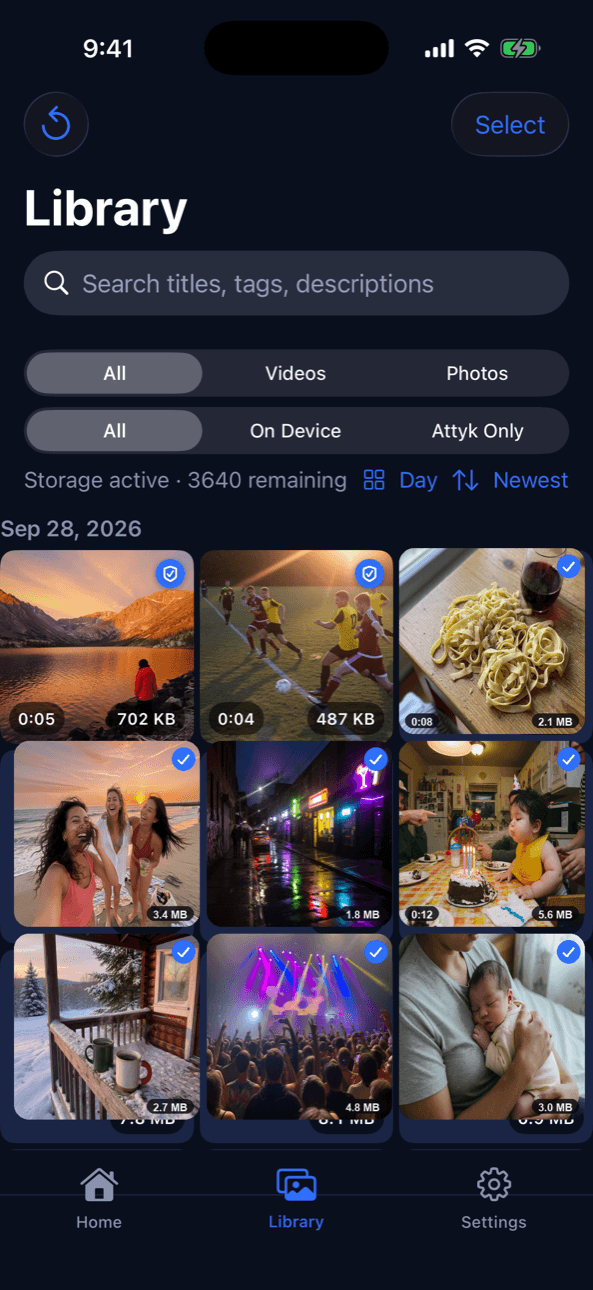
Thumbnails and browsing stay in your library even when the full original isn't sitting on the phone.
Your iPhone is for what you're making now. Attyk is where the rest can live — originals stored safely, still yours, ready when you need them.
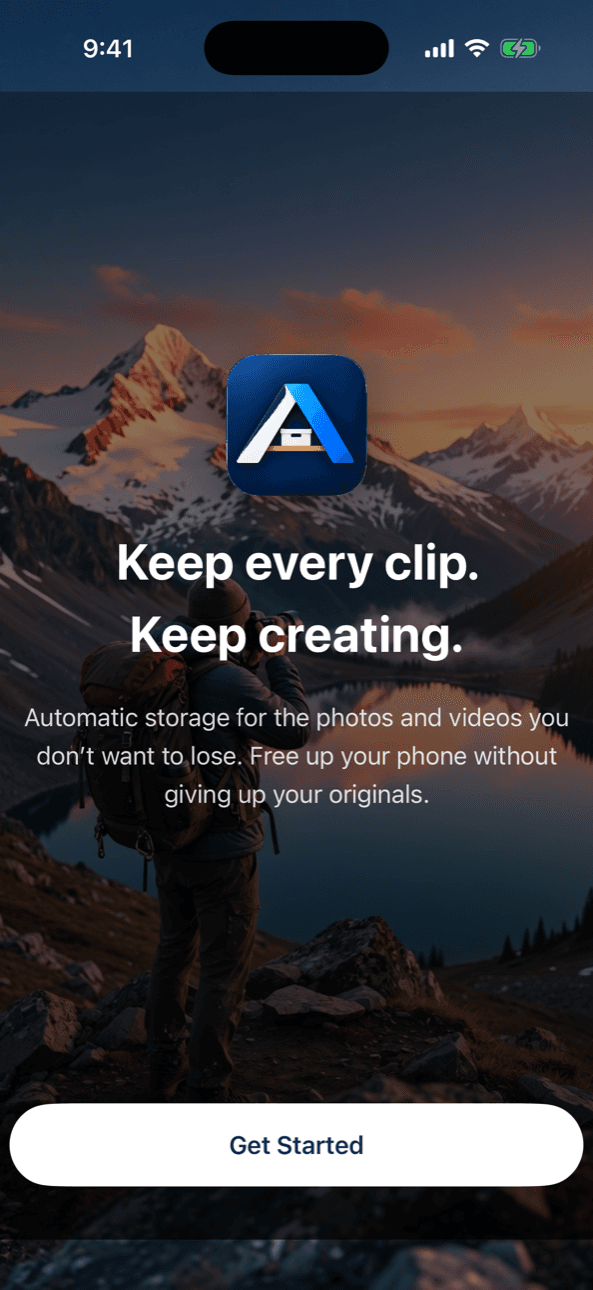
Built for people who keep shooting
4K clips. Old screenshots. Family photos. Footage you might need someday. The phone treats all of it like it still belongs in your pocket.
Deleting memories is the wrong solution. Attyk is closer to an attic than a trash can: put it somewhere safe, get the rooms of the house back, and bring a piece down when you actually need it.
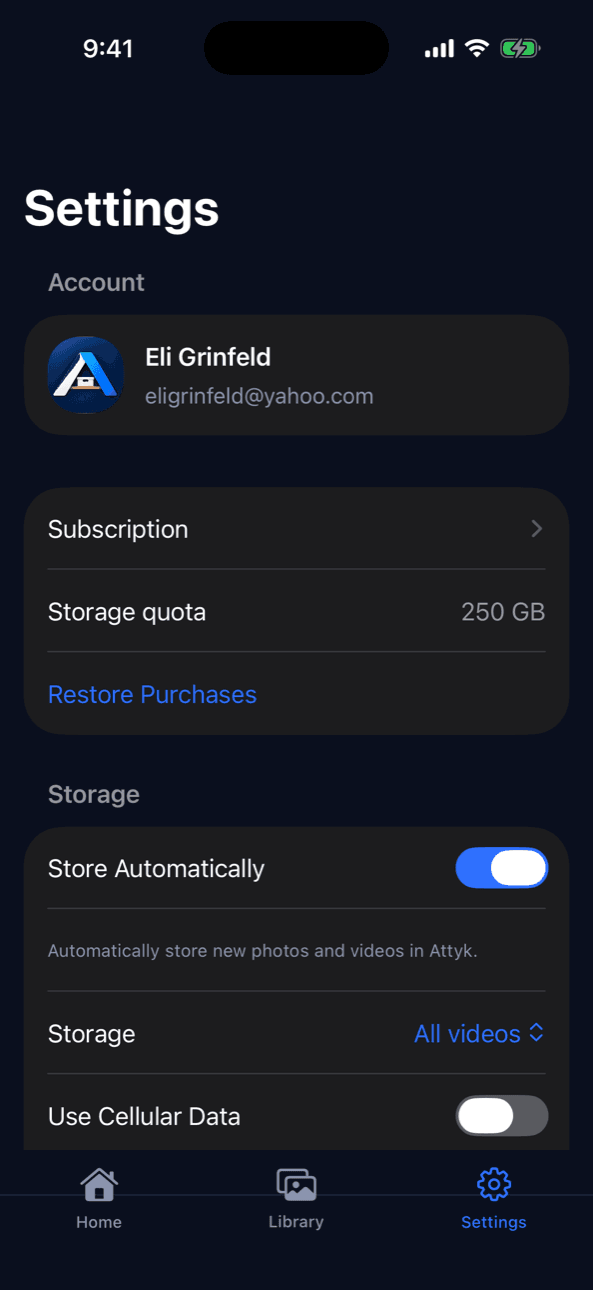
Automatic Storage watches for photos and videos you choose — videos only, or the whole library — and stores originals when your iPhone is on Wi-Fi, or on cellular if you allow it. Work continues in the background whenever iOS gives Attyk time, including leftover items from the last time you had the app open.
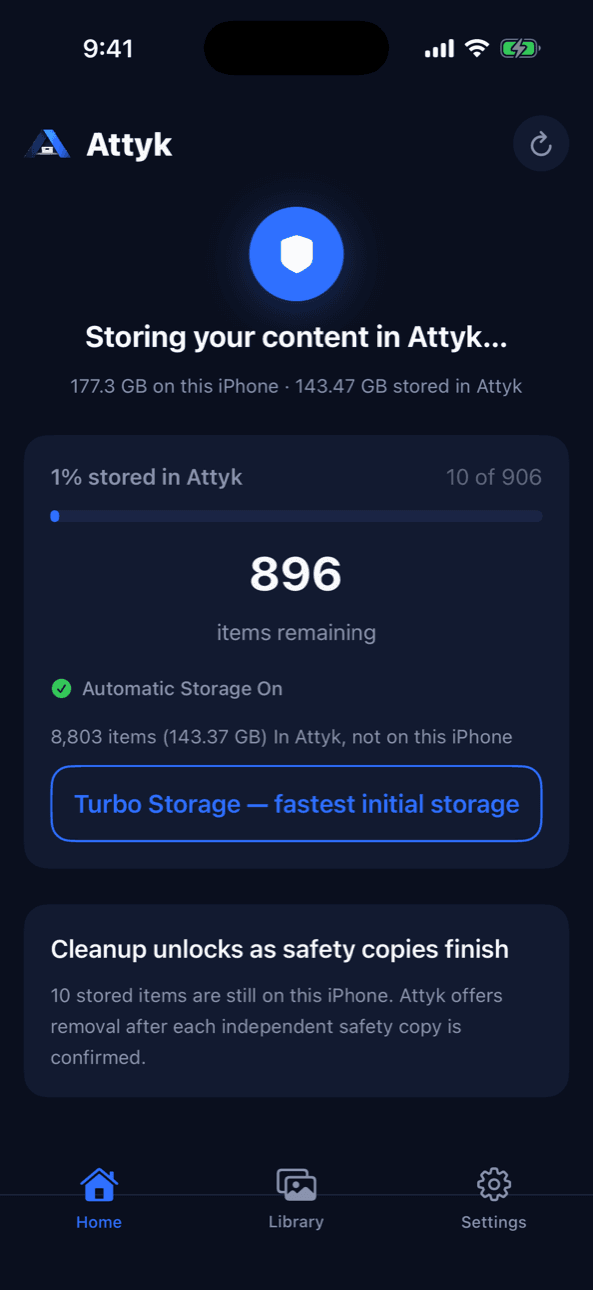
Attyk only treats an original as stored after it has been verified. Home shows how much is stored, what's still on this iPhone, and when a second independent safety copy is still finishing. Cleanup is not offered until those conditions are met.
Free Up Space only lists items that are stored, independently safety-copied, and on a proven restore path. You confirm every removal. Attyk never silently deletes from Photos.
Library is the long-term collection: on this iPhone, Attyk only, search, videos, photos. Removing a local copy marks the item as stored in Attyk — it does not drop it from your account.
Settings is where you sign in, see your plan, and decide how Attyk stores. Automatic Storage can wait for Wi-Fi, or use cellular if you turn that on. Need an original back in Photos? Restore it from the item — the copy in Attyk stays put.
Thumbnails and browsing stay in your library even when the full original isn't sitting on the phone.
Storage plans and Apple subscriptions are managed through your Apple ID. Attyk does not silently delete a library the moment a plan changes.
If you turn it on, Attyk can describe and group your own media for search. You can turn it off. Nothing is shared as a product.
Sign in with Apple. Attyk never sees your Apple ID password. Originals go to private object storage under keys the server owns — the iPhone never holds AWS credentials, and buckets are not public.
Each account can only read its own library. Access on the API is bound to your signed-in user. Attyk does not sell your photos or videos, and does not include ad or analytics tracking SDKs in the iPhone app.
Removing a Photos copy is an explicit confirmation after storage is verified. Deleting your Attyk account deletes stored originals and account data, usually within about an hour. That does not cancel an App Store subscription — you do that in iOS Settings.
The original is uploaded and verified into your Attyk account. It also stays in Photos until you choose to remove the local copy. Storing is not the same as deleting.
Yes — after Attyk has verified the original, confirmed an independent safety copy, and the media type has a proven restore path. You confirm Move to Attyk yourself.
Yes. Restore downloads the original back into Photos. If an original has moved into longer-term storage, preparing it can take hours. Previews in the Attyk library stay available to browse.
If Automatic Storage is on, Attyk stores new eligible photos and videos without you picking each one. You choose videos only or the whole library during setup.
Yes, when iOS allows it. Attyk also hands leftover work to background uploads when you leave the app. It is not a constantly running Photos watcher while the phone is off.
By default it waits for Wi-Fi. You can allow cellular in Settings. That may use your mobile data plan.
Sign in with the same Apple ID. Your Attyk library is tied to your account, not to a single device. Restore originals you want locally again.
Originals are stored per account, not in a public bucket. Other users cannot list or download your library. Attyk does not sell your media.
In private cloud storage operated for Attyk. The iPhone app talks to Attyk's API with your signed-in account. We don't ask you to manage buckets or regions.
New storage can pause if you are over the storage you have. Attyk does not wipe a library the moment a plan changes. There is a grace period before excess stored media can become eligible for removal. Cancel Apple subscriptions separately in iOS Settings.
You can restore originals back to Photos from the iPhone app, one item or a selection at a time. A bulk web download of an entire library is not available yet.
iCloud Photos is Apple's synced library across your devices. Attyk is a separate archive: originals live in your Attyk account, and you decide when a Photos copy can leave the phone — after Attyk has verified storage. You can use both; they are not the same product.
Attyk is currently in private beta. Get it on the App Store or Google Play when those listings go live — the buttons below are wired and waiting for the real URLs. Sign in with Apple in the app. A web library on this site is next.